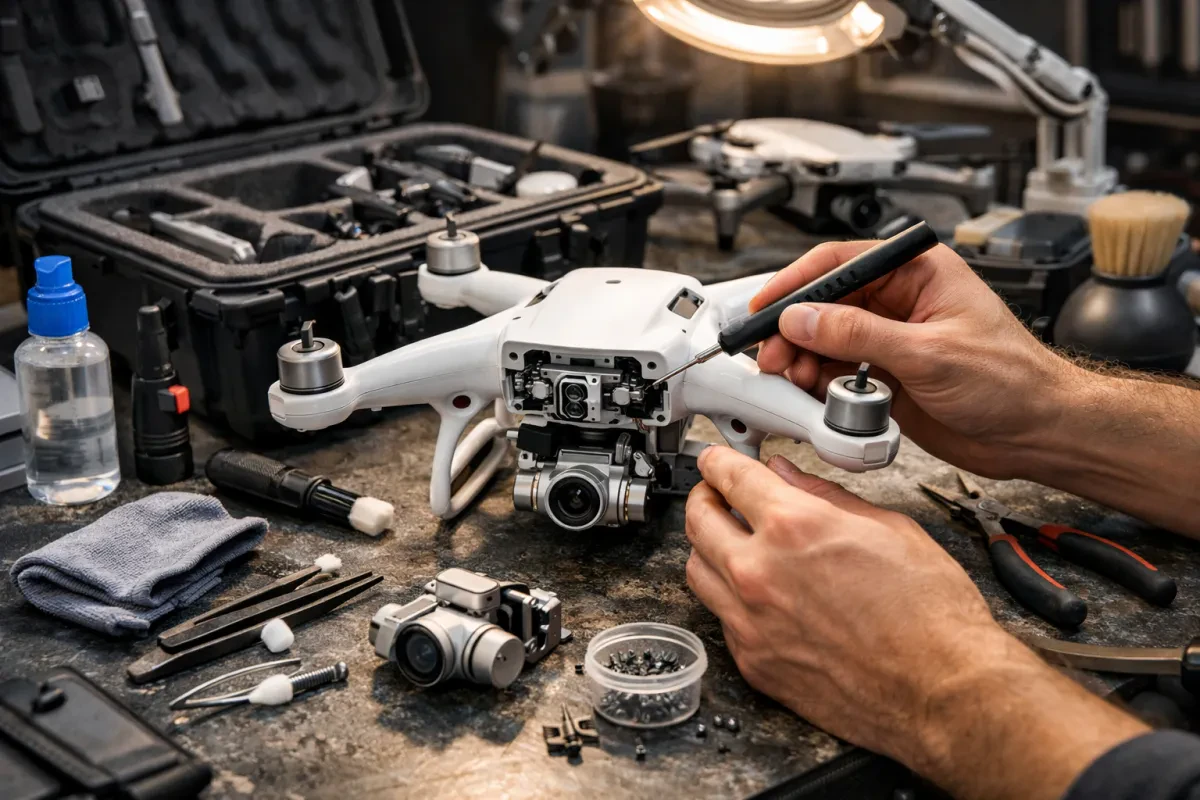
Keeping your drone clean and dust-free is super important. A clean drone not only performs better but lasts longer too. Dust and dirt can get into the camera and gimbal, affecting your shots and making everything look blurry. Regular cleaning can help you avoid those pesky issues!
Start by checking your drone's exterior. Use a soft brush or a microfiber cloth to wipe away any dirt. Pay special attention to the camera lens and gimbal. You can use a lens cleaning solution for the camera, but make sure it’s safe for electronics. A clean lens means clearer photos and videos!
Don’t forget the propellers! Dust can build up on them too, which can affect how your drone flies. Clean them with a damp cloth and dry them off right after. If you’ve been flying in a sandy or dusty area, a quick brush-off is a must.
If you’re flying often, consider setting up a regular cleaning schedule as part of your drone camera maintenance tips. Spend just a few minutes every time you land to check for dirt buildup. This simple habit will keep your equipment in great shape and ready for your next adventure!
Check Battery Health Regularly
Keeping an eye on your drone’s battery health is a must if you want it to last. Regular checks can save you from unexpected flights cut short. A struggling battery can affect your drone's performance and camera quality, so let’s make sure yours is always up to par.
Start by looking for physical signs of wear. If your battery looks swollen or has any dents, it’s time for a replacement. Check the connectors too. Clean connections can prevent power issues. A clean battery is a happy battery!
Monitor the battery’s charge cycles. Most drone batteries have a lifespan measured in cycles, usually around 300-500 full charges. Keeping track of how many times you’ve charged it can help you know when it’s time to look for a new one. A good rule of thumb is to replace batteries once they start losing their ability to hold a charge.
If you regularly follow these drone camera maintenance tips, you’ll keep everything running smoothly. Remember to charge your battery properly. Don’t let it sit for too long at a low charge, and try not to store it fully charged for extended periods. Treat your battery right, and it’ll give you awesome flights for years to come!
Secure Firmware Updates for Performance
Keeping your drone camera in top shape involves more than just cleaning and proper storage. One crucial aspect of drone camera maintenance tips is ensuring your firmware is up to date. Firmware updates often come with performance improvements and new features that can enhance your flying and photography experience.
Most drone manufacturers regularly release firmware updates to fix bugs, improve stability, and add new options. To stay on top of these updates, check the manufacturer's website or the app that came with your drone. It’s usually a simple process, and often just takes a few clicks. Keeping your firmware updated can prevent potential issues that may arise from outdated software.
Never skip firmware updates. If you ignore them, your drone might not perform at its best. You could face issues like connectivity problems or camera glitches, which nobody wants during an important shoot. To make the process even smoother, consider setting reminders so you don’t forget to check regularly.
In addition to better performance, updated firmware can also enhance security. Drones are at risk of hacks and other security threats. Keeping your firmware current helps protect your device against vulnerabilities, ensuring your fun and safety while flying and snapping those aerial shots.
Store Your Drone Properly for Durability
Storing your drone the right way can really make a difference in its life span. Treat it like a prized possession and find a cool, dry place for it when you’re not flying. Extreme temperatures and moisture can damage the battery and components, so keep it away from direct sunlight or damp areas.
Consider investing in a dedicated drone case or backpack. A sturdy case protects against bumps and scrapes, especially if you travel with it. Look for options with foam padding or compartments to keep everything organized, like extra blades and batteries. It's a small investment that pays off in the long run.
Don't forget about the propellers! Store them safely inside the case too. They can bend or break if tossed around, and trust me, you don’t want to deal with that. Also, make sure to remove the battery if you’re putting it away for an extended period. It helps preserve the battery's health.
Finally, regularly check the storage area for dust or debris. Dust can build up quickly and lead to trouble when you’re ready to fly again. Keeping your equipment clean and in good condition is one of the best drone camera maintenance tips you'll ever hear. A little care goes a long way in making sure your drone lasts for many more adventures!